
Skip to content
Guide

How to fill SBA Form 413 line by line

SBA Form 413 is a personal financial statement in a fixed layout: an assets column, a liabilities column, four short sections, and schedules that explain the larger lines.

✓ Encrypted in transit and at rest✓ Two-factor sign-in✓ You choose who sees what✓ Never sold, never used to train AI✓ Export or delete any time✓ Type or upload today
Assets, top to bottom

  • Cash on hand and in banks; savings accounts
  • IRA or other retirement account
  • Accounts and notes receivable
  • Life insurance — cash surrender value only, not the death benefit
  • Stocks and bonds (detailed in Section 3)
  • Real estate (detailed in Section 4)
  • Automobiles; other personal property; other assets (Section 5)

Liabilities, top to bottom

  • Accounts payable
  • Notes payable to banks and others (Section 2)
  • Installment accounts — auto and other — with the monthly payment
  • Loans against life insurance
  • Mortgages on real estate (Section 4)
  • Unpaid taxes (Section 6); other liabilities (Section 7)

Income and contingent liabilities

Section 1 asks for salary, net investment income, real estate income and other income, with a description of the other income.

Contingent liabilities are listed separately: as endorser or co-maker, legal claims and judgments, provision for federal income tax, and other special debt.

Signatures

The form is signed and dated. When the statement is joint, the spouse signs as well. Check the form’s own instructions for who else must complete one for your loan.

Before you start

Use the current edition of the form from the SBA’s own website; lenders may reject an expired edition. Decide the “as of” date first and use it for every figure, so balances from different months are not mixed. If you are married and the statement is joint, both of you will sign.

Have the latest statement for each account, the mortgage statement for each property and the balance of each note in front of you. The form is short; finding the figures is what takes the time.

The schedules behind the columns

Section 2 lists notes payable: the lender, original and current balance, payment and how each note is secured. Section 3 lists stocks and bonds with their market value and the date of that value. Section 4 lists real estate — up to three properties on the form itself — with the date purchased, original cost, present market value, the mortgage holder, the balance and the payment.

Sections 5 through 8 are short descriptions: other personal property and other assets, unpaid taxes, other liabilities and life insurance held. When a section runs out of room, attach a schedule in the same columns and write “see attached” on the form.

The totals must agree: each schedule’s total equals the line it explains in the columns above, and total assets equal total liabilities plus net worth.

Common mistakes

  • Entering the death benefit of a life insurance policy instead of its cash surrender value.
  • Listing a company’s assets instead of your interest in the company.
  • Leaving contingent liabilities blank when you are a guarantor on a business loan.
  • Mixing dates — a September brokerage balance beside a December bank balance.
  • Forgetting the second signature on a joint statement.

A lender will usually ask for the supporting statements as well, so keep them together with the form you send.

The view that does it

Demo account · synthetic data · desktop
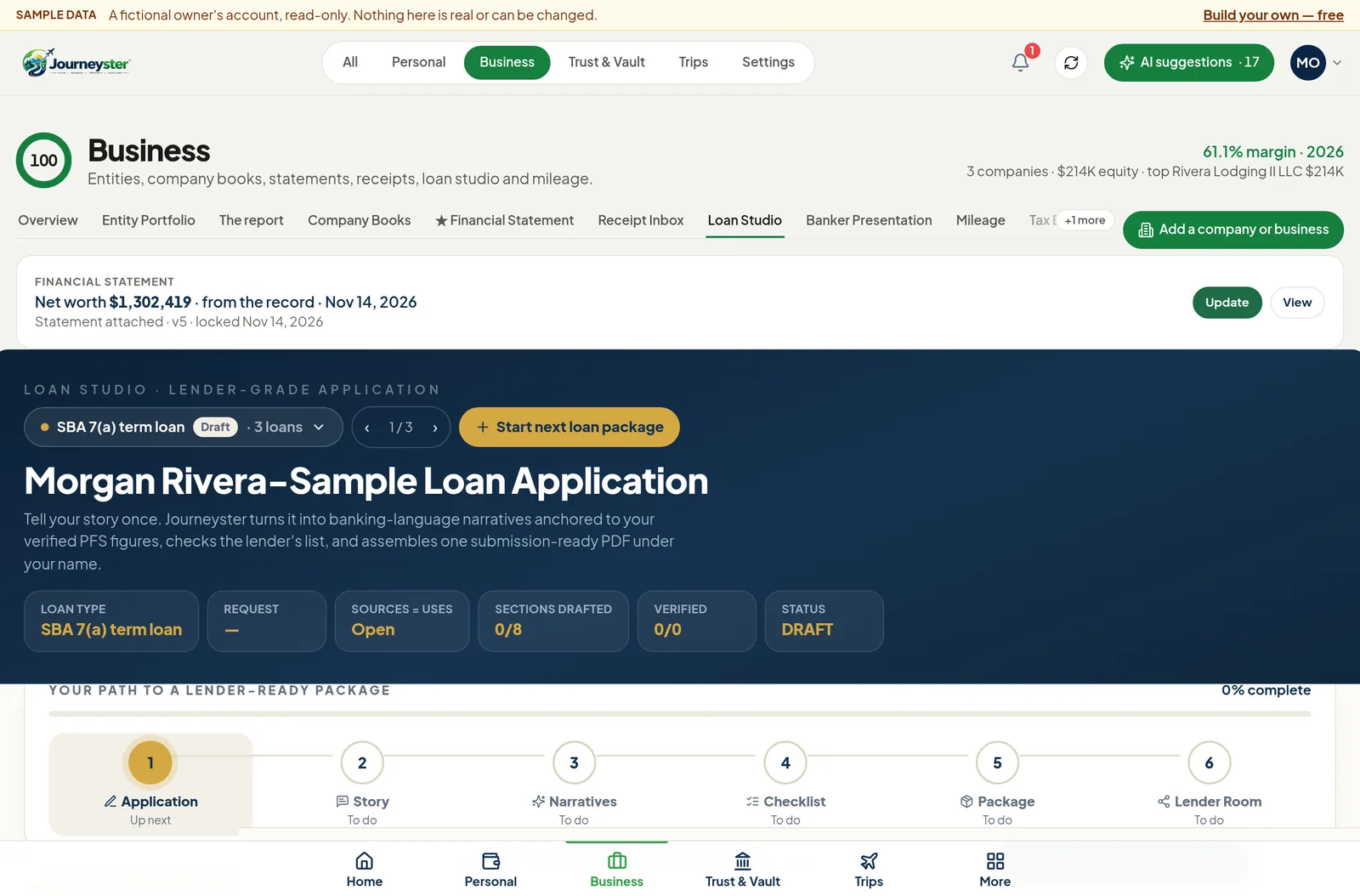
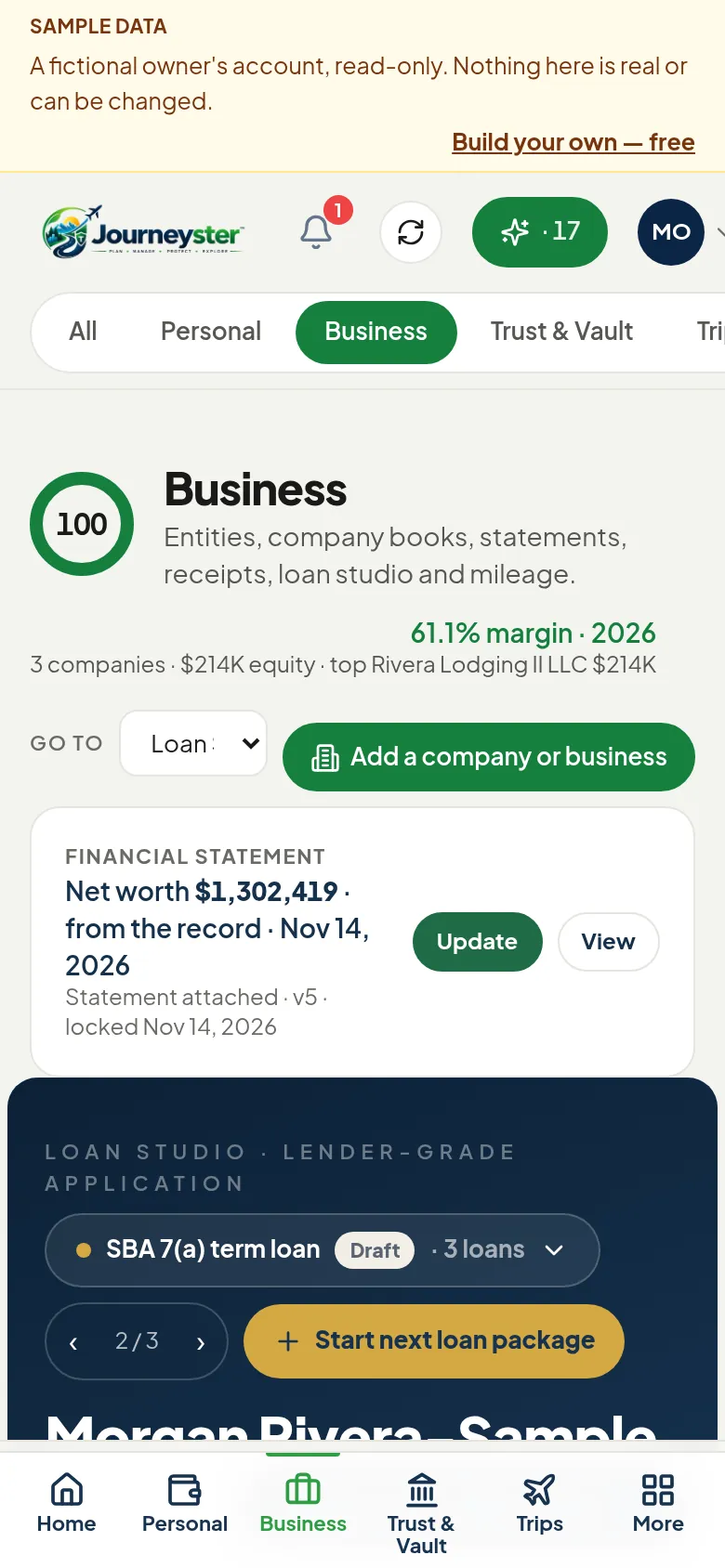
The loan package in Statement Studio, with the filled form.

Where this lives in Journeyster

Journeyster fills the official form from your record, attaches schedules when a section overflows, and lists the items only you can complete. You review, sign and send it. Journeyster is not affiliated with the SBA.

A general guide, not legal, tax or lending advice. Your lender, CPA or attorney decides what applies to you.

What this gets ready
Personal financial statementTax package per entityState annual report
Connects to
Start free →See a sample2 minutes · no card · type or upload your first statement