
Trust & Legacy keeps each trust with what it actually holds, line by line, as your documents read. It shows what is in the trust, what is not yet assigned, and who is named to step in.
2 minutes · no card · type or upload your first statement · See a sample
✓ Encrypted in transit and at rest✓ Two-factor sign-in✓ You choose who sees what
1 registerfor everything you own
3 columnsyour word · document · reviewed
Successor planprepared, shared only when needed
Trust registerSample figures
Rivera Family Trust
14 Oak LaneDeed on file
Cedar Rentals · 60%Assignment on file
Brokerage accountNot yet assigned
Checking accountNot yet assigned
In the trust, with a paper · 62% Not yet assigned · 38%
Why
“We signed the trust years ago. I could not tell you what is in it.”
Three things that take your time today, and what replaces each.
Nobody else knows what exists, or whereOne register of everything and how it is held
The trust was signed once, then went staleA new company or property asks: is it in the trust?
Beneficiaries never written down in one placePeople, roles and instructions together
Connected
Where it comes from, where it goes
Entered once. Used wherever it is needed.
How
How it works
In the order you will do it.
1 · Add the trust from its papersUpload the trust agreement. The name, type and trustees are read for you to confirm. The trust becomes a holder in your record, beside you and your companies.
2 · List what it holdsFor each asset the register shows the paper that puts it in the trust — a deed, an assignment of membership interest, a beneficiary form. Where no paper is on file, the line reads “not yet assigned”.
3 · Ask your attorney to confirmOpen a review room for your attorney by link and code. They confirm lines against the documents; their name goes on what they confirm. The record shows what your documents say; your attorney decides what it means.
4 · Name who steps inYour successor is named in your record; being named grants no access today. The successor kit lists what exists and where it is kept.
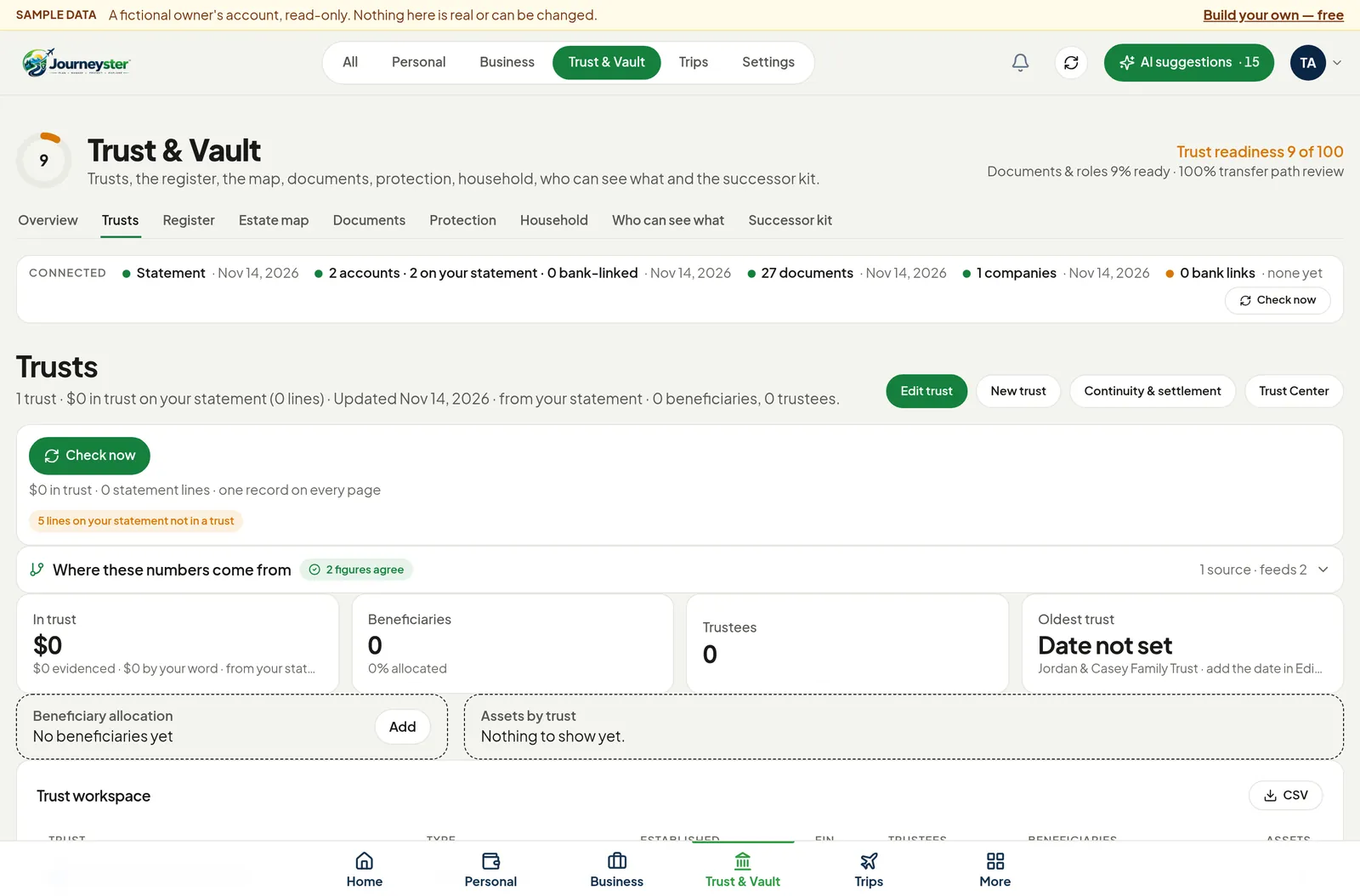
Product view · sample data
A trust with its trustees and papers. Sample data. Tap to open it full size.
In detail
Everything in it
What Trust & Legacy contains today.
Trust recordEach trust with its type, trustees and the papers that created it.
Trust registerWhat the trust holds, line by line, held as the document reads.
Held or not yet assignedAn asset with no assignment on file is shown as not yet in the trust.
Estate mapA drawing of what goes where, with evidenced and intended shown apart.
Estate documentsWill, trust agreement, powers of attorney and deeds in one list.
Successor planName your successor; being named grants no access today.
Successor kitA printable list of what exists and where it is kept.
Attorney review roomYour attorney confirms lines from a link and a code; their name goes on what they confirm.
Household consentMine, theirs and joint; each of you chooses what the other sees.
In the trust, with a paper · 62% Not yet assigned · 38%
Trust & Legacy keeps each trust with what it actually holds, line by line, as your documents read. It shows what is in the trust, what is not yet assigned, and who is named to step in.
2 minutes · no card · type or upload your first statement · See a sample
✓ Encrypted in transit and at rest✓ Two-factor sign-in✓ You choose who sees what
1 registerfor everything you own
3 columnsyour word · document · reviewed
Successor planprepared, shared only when needed
Why
“We signed the trust years ago. I could not tell you what is in it.”
Three things that take your time today, and what replaces each.
Nobody else knows what exists, or whereOne register of everything and how it is held
The trust was signed once, then went staleA new company or property asks: is it in the trust?
Beneficiaries never written down in one placePeople, roles and instructions together
Connected
Where it comes from, where it goes
Entered once. Used wherever it is needed.
How
How it works
In the order you will do it.
1 · Add the trust from its papersUpload the trust agreement. The name, type and trustees are read for you to confirm. The trust becomes a holder in your record, beside you and your companies.
2 · List what it holdsFor each asset the register shows the paper that puts it in the trust — a deed, an assignment of membership interest, a beneficiary form. Where no paper is on file, the line reads “not yet assigned”.
3 · Ask your attorney to confirmOpen a review room for your attorney by link and code. They confirm lines against the documents; their name goes on what they confirm. The record shows what your documents say; your attorney decides what it means.
4 · Name who steps inYour successor is named in your record; being named grants no access today. The successor kit lists what exists and where it is kept.
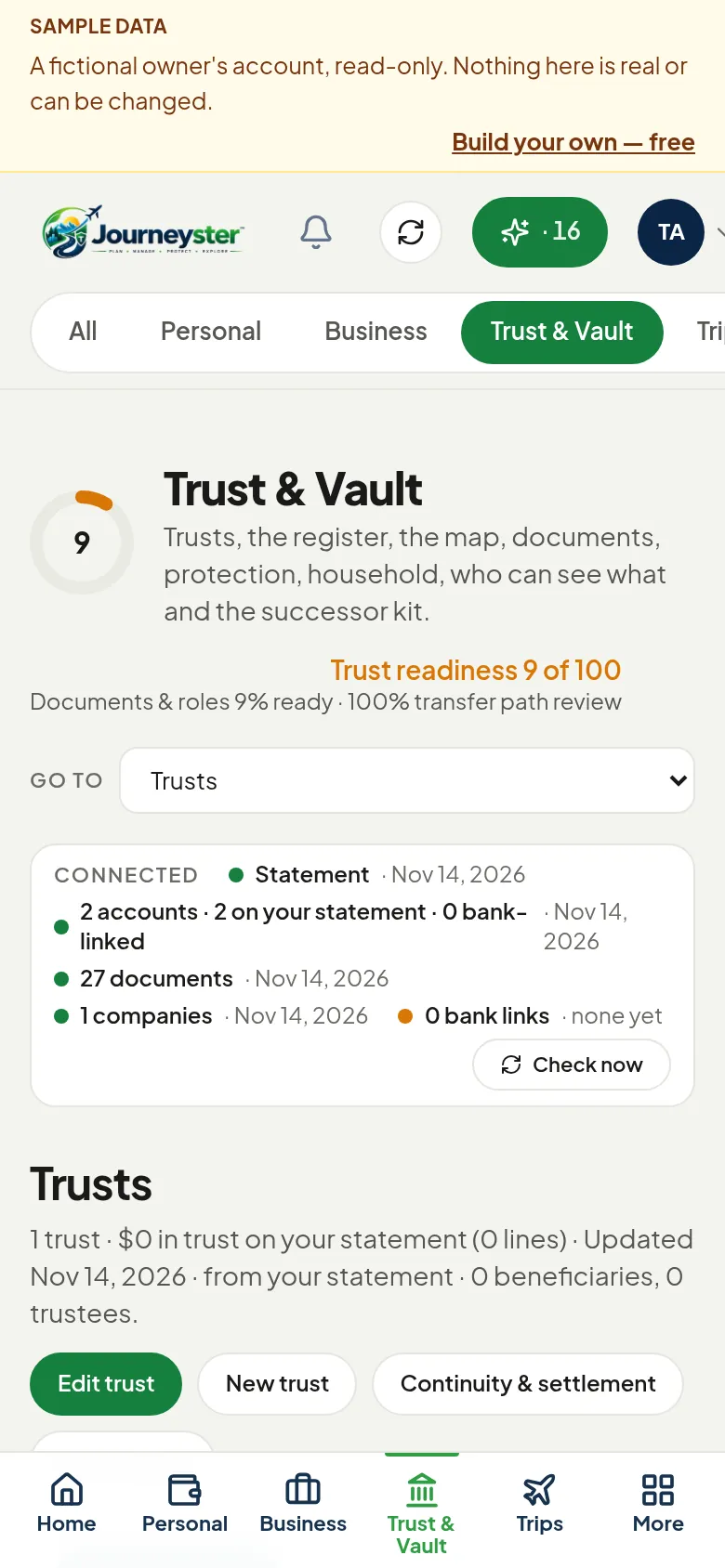
Product view · sample data
A trust with its trustees and papers. Sample data. Tap to open it full size.
In detail
Everything in it
What Trust & Legacy contains today.
Trust recordEach trust with its type, trustees and the papers that created it.
Trust registerWhat the trust holds, line by line, held as the document reads.
Held or not yet assignedAn asset with no assignment on file is shown as not yet in the trust.
Estate mapA drawing of what goes where, with evidenced and intended shown apart.
Estate documentsWill, trust agreement, powers of attorney and deeds in one list.
Successor planName your successor; being named grants no access today.
Successor kitA printable list of what exists and where it is kept.
Attorney review roomYour attorney confirms lines from a link and a code; their name goes on what they confirm.
Household consentMine, theirs and joint; each of you chooses what the other sees.