Skip to content
Travel

Trips organized. Receipts already filed.

Travel keeps each trip with its receipts, miles and purpose at the time you take it. A business trip flows to that company’s year, so the trip report is ready when your CPA asks.

2 minutes · no card · type or upload your first statement · See a sample

✓ Encrypted in transit and at rest✓ Two-factor sign-in✓ You choose who sees what
One itineraryfor family and team
By companycosts and mileage
Reportsby trip and category
Denver client visit · Dec 8–11Sample figures
  • Flights2 receipts filed
    $1,240
  • Hotel · 3 nights3 receipts filed
    $870
  • Meals6 receipts filed
    $310
  • Ground4 receipts filed
    $145
15 receipts$2,565 · filed under Oak & Co. Studio
Why

“In April nobody remembers which trip was business.”

Three things that take your time today, and what replaces each.

Confirmations scattered across inboxesOne itinerary with every booking
Trip receipts lost before tax timeReceipts land in the tax binder
Mileage guessed in AprilBusiness miles logged by company
Connected

Where it comes from, where it goes

Entered once. Used wherever it is needed.

Comes fromThisGoes toConfirmationsReceiptsMiles drivenThe tripTrip reportTax Year BinderYour CPA123
How

How it works

In the order you will do it.

  1. 1 · Start a tripAdd the dates and places, or start from a confirmation. Mark it business for a company, or personal. Travelers and their details are kept for the next booking.
  2. 2 · Attach receipts as you goPhotograph a receipt and it joins the trip with its date, amount and category. Business miles are logged with the trip and the company.
  3. 3 · Open the trip reportTotals by category and by trip, with business and personal apart. The report sits in the company’s Tax Year Binder for the year.
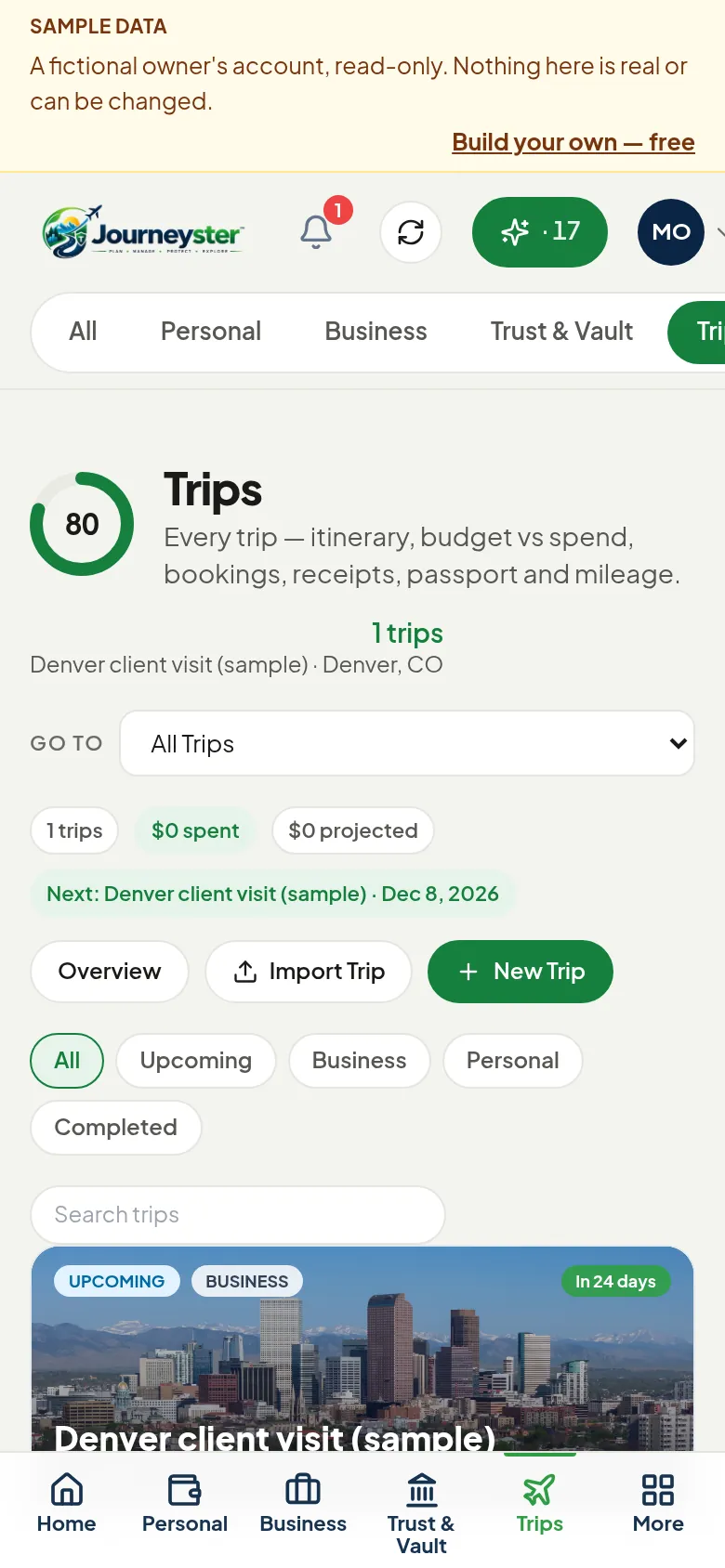
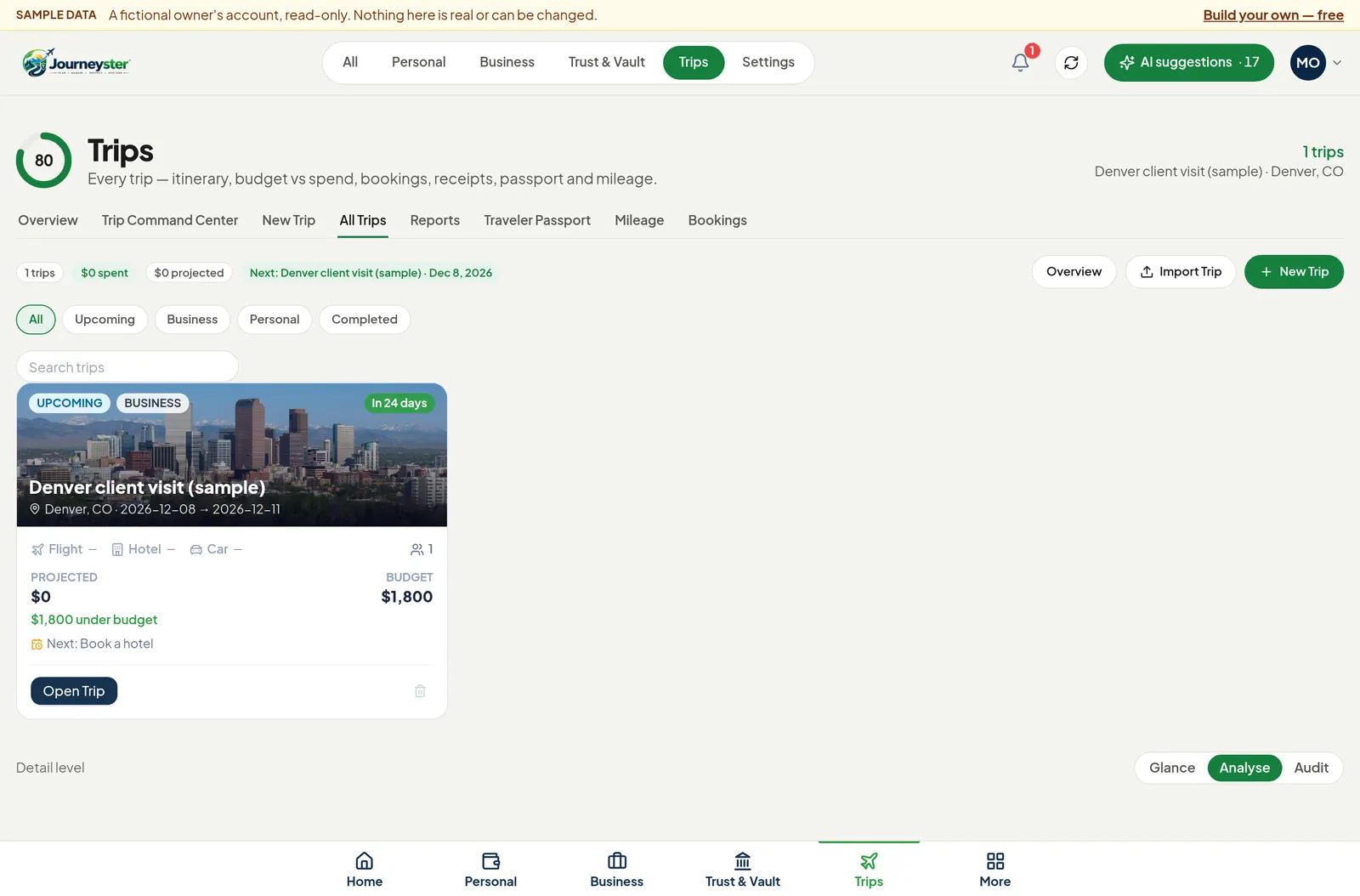
Product view · sample data
Trips, each with its dates and purpose.
Trips, each with its dates and purpose. Sample data. Tap to open it full size.
In detail

Everything in it

What Travel contains today.

  • TripsEach trip with its dates, places and who went.
  • Trip receiptsFlights, hotels and meals attached to the trip they belong to.
  • Business or personalMark a trip for a company; it flows to that company's year.
  • MileageBusiness miles logged by trip and by company.
  • Trip reportsTotals by category and by trip, ready for your CPA.
  • Trip overviewWhere you have been this year, and what it cost.
  • Travel passportTraveler details and documents kept for the next booking.
  • New tripStart a trip from a confirmation or from scratch.
The other side

What your CPA sees

Their part, and nothing else.

What your CPA sees
  • Trip reports for the company and year you shared
  • Receipts behind each total
  • The mileage log
What they never see
  • Personal trips
  • Traveler documents
  • Other companies’ trips
Questions

Questions, answered

Pick a topic. Each answer links to the page that shows it.

Today you enter or import drives, and assign each one to a company.

Still deciding?Start free and see your own numbers. No card, and you can export any time.
Start free Build my planAsk us a question
Plan

Your plan

Included from the Personal plan Start free — no card. Add it to your plan when you are ready.Start free Add to my plan
Build

Build your plan

Tick what you need. Start free; add more when you need it.

1 · What do you need?
2 · How many companies?
3 · Need more room? on any paid plan
Extra bank login$2 a month each0
Extra storage$2 a month per 10 GB0
Your plan

Free

$0
no card needed
  • 1 company
  • 1 GB storage
Create your account in a minute. Export any time.
What this gets ready
Tax package · mileage lineTrip report
Connects to
NextReadiness →
Start free →See a sample2 minutes · no card · type or upload your first statement